Creation Methods
There are three primary methods for creating a project workspace in Tax Adjustments.
This method is used to create a brand-new project without using data from a previous engagement.
1. Initiate the New Project
Navigate to the client's main page in Tax Adjustments. From the "Projects" section, click the + Add new button.
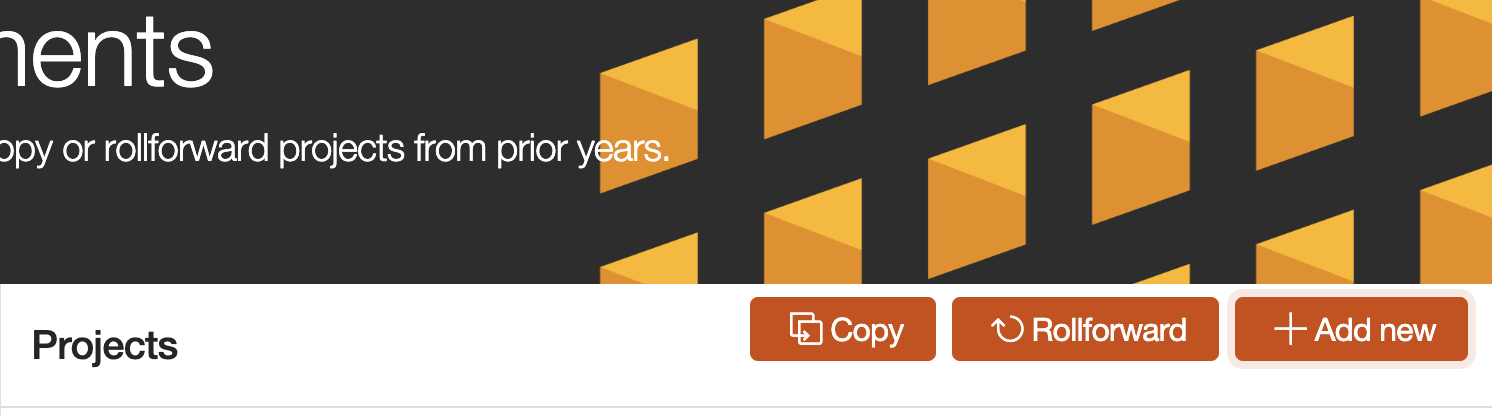
2. Complete the Project Information
After initiating the project, a "Project Information" form will appear. Complete the required fields to define the engagement parameters.
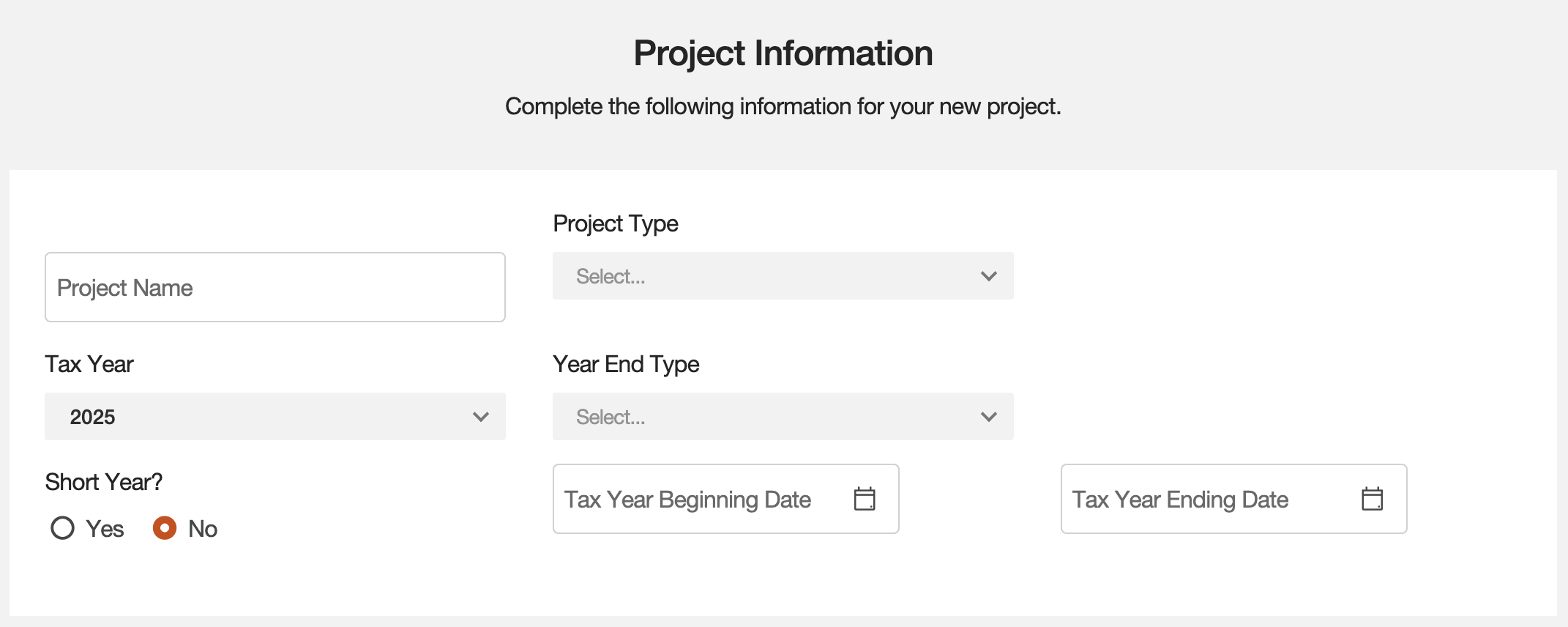
The Rollover function is the standard method for ensuring year-over-year continuity. It creates a new project for the current year by carrying forward data and settings from a prior year's engagement.
The Copy function creates an exact duplicate of an existing project within the same tax year. This is useful for preserving a point-in-time record while continuing work in a separate workspace.
Common Use Cases for Copy
- Transitioning from a tax provision engagement to an extension.
- Moving from an extension to the final tax return.
- Creating a new version for "what-if" scenarios.
- Preparing an amended return based on the original filing.